
Starting work
Trigger Automations When You Start Working
My iMac has a large 27-inch display which needs a significant amount of energy to work. When the iMac is asleep, it can draw as little as 2W but when I'm using it, that will leap up to around 150W or more if I'm using power-hungry applications. This means that by using an energy-monitoring smart plug, I can easily tell when I'm using my iMac and when I'm not.
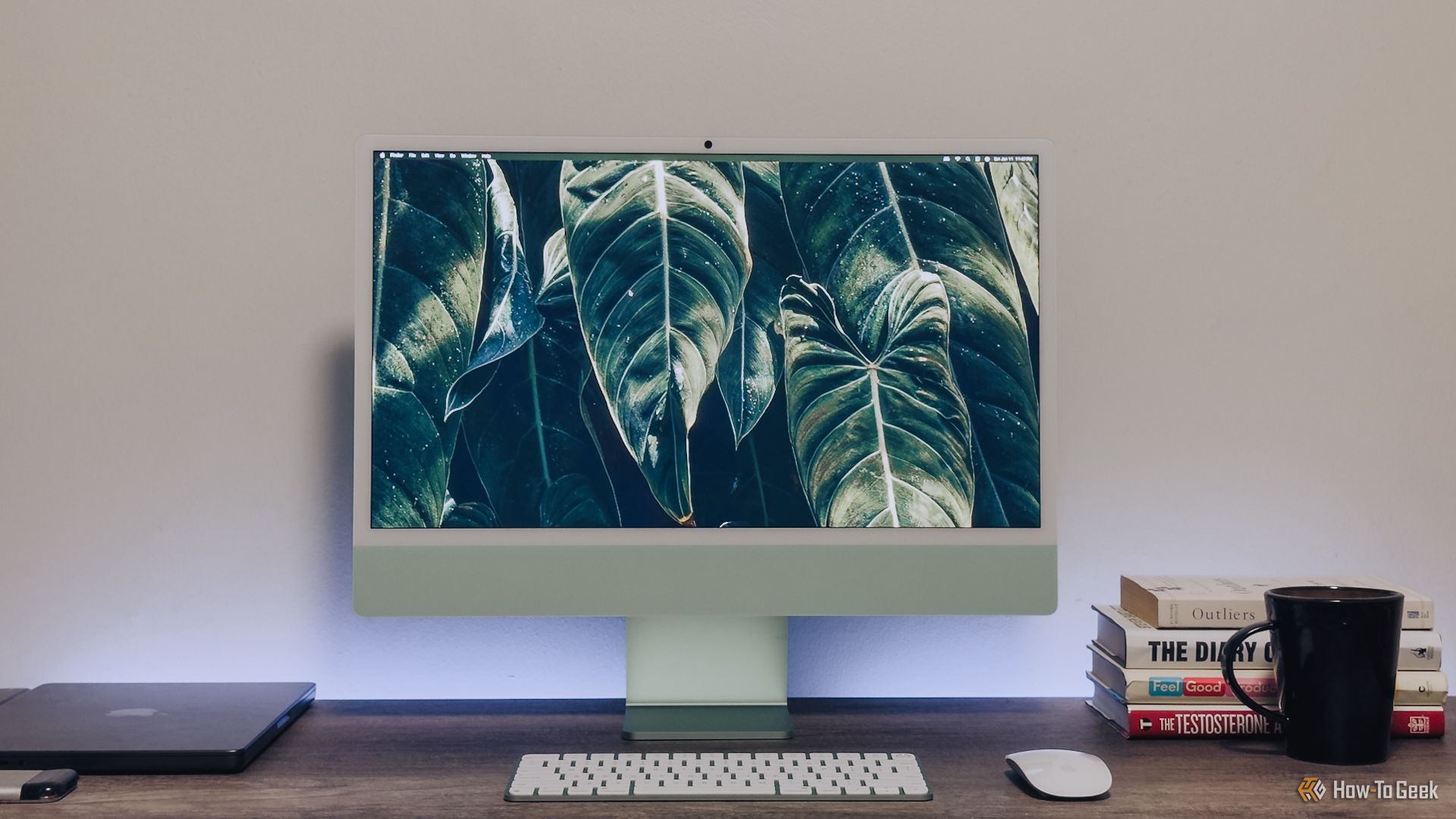
Using a Home Assistant such as Alexa or Google Home, I'm able to use trigger automations when the smart plug detects an increase in power usage and then sets my coffee machine to turn on in just under an hour, so that the coffee will be ready as a reward after doing an hour's work.
Items used
- Smart Energy Plugs


